





Skip to content

Design your Pokémon binder pages.

Arrange your Pokémon cards, add artwork and create one-of-a-kind binder pages with the Michi Method. Preview your designs and export your artwork ready to print.

Free, no credit card needed.

The Michi Method in three steps

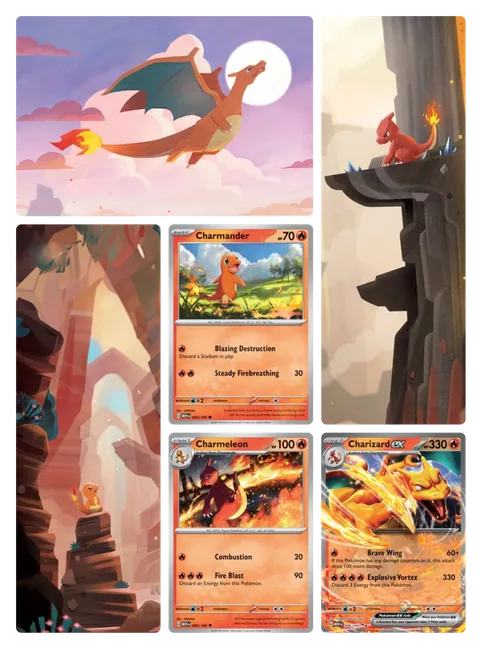
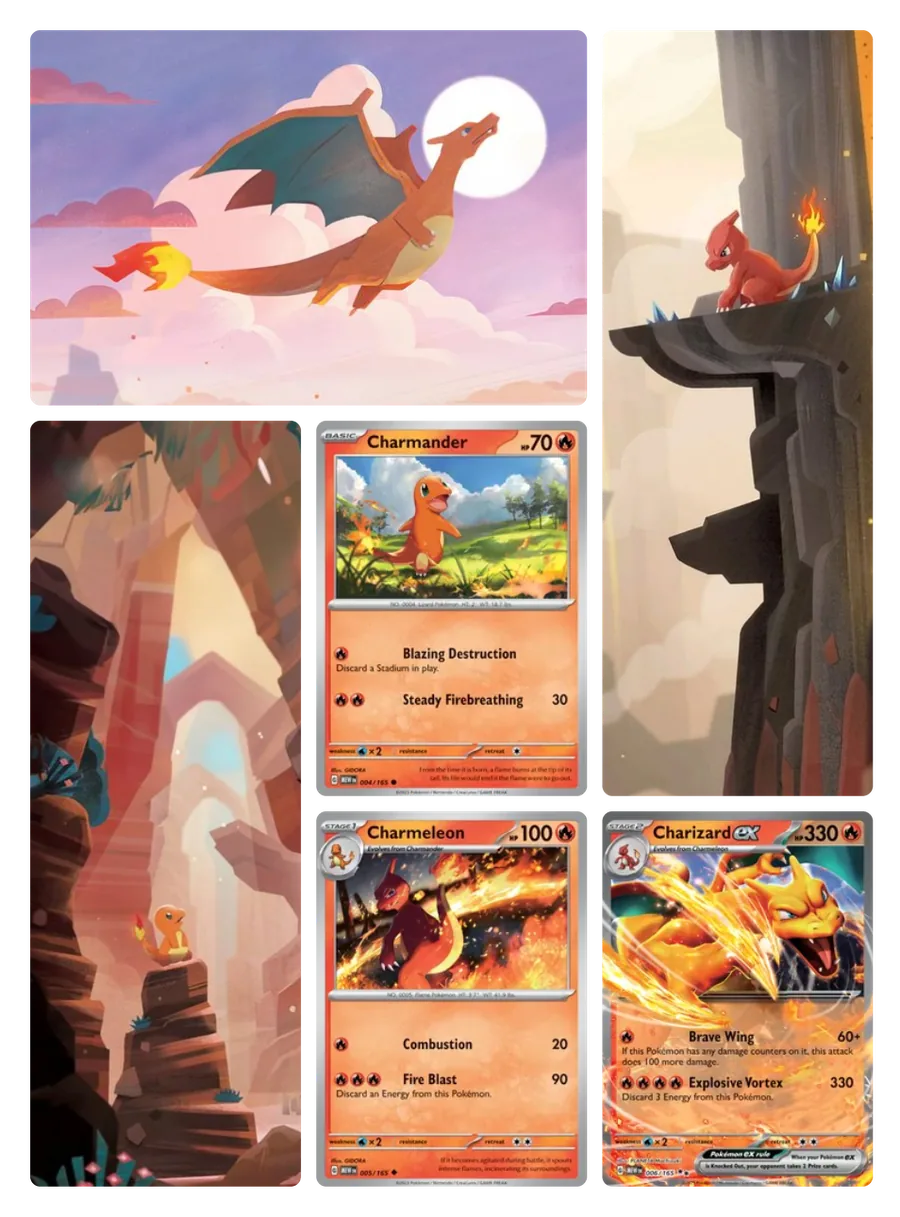
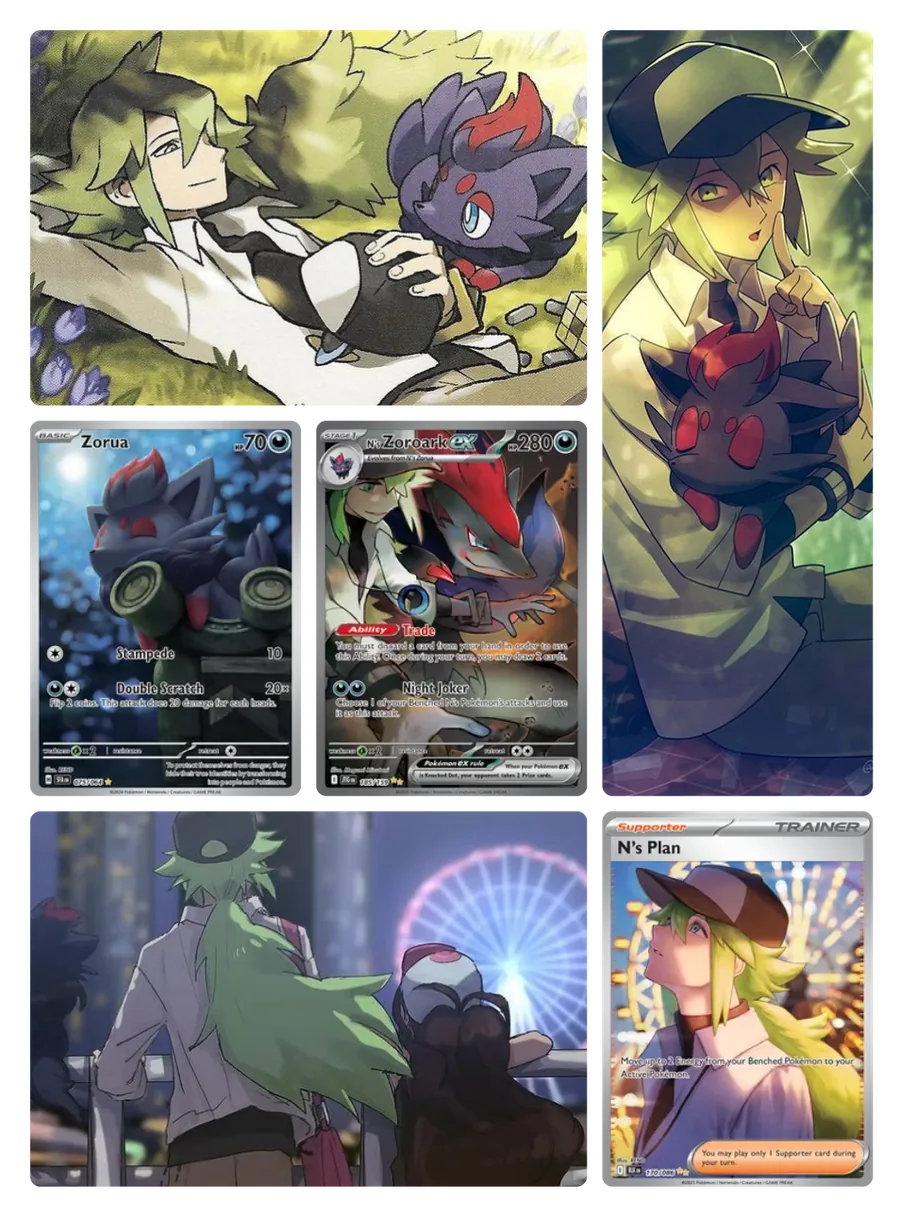
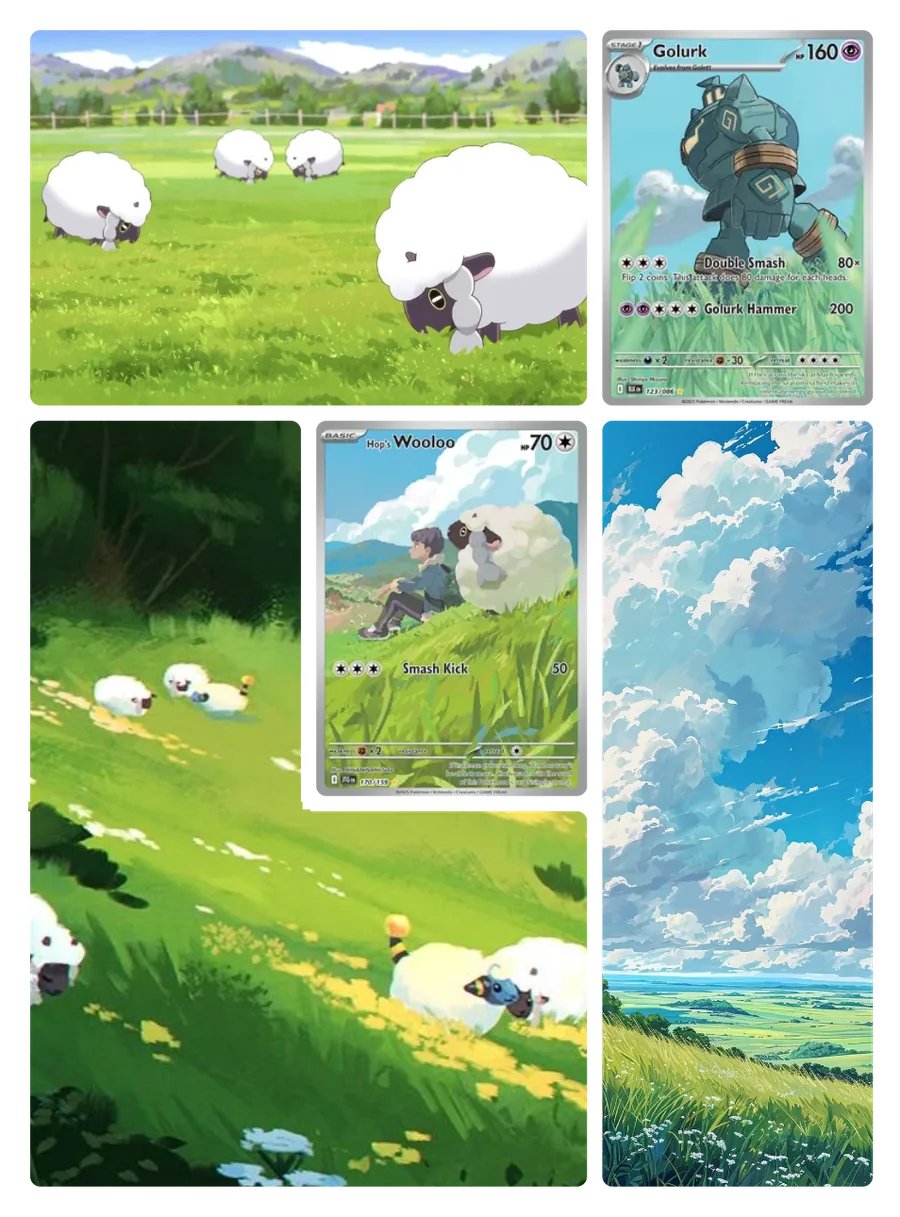
Combine your cards with artwork that spans several pockets to create a design across the page. Keep scrolling to watch it come together.

Read the Michi Method guide
  1. Arrange your cards

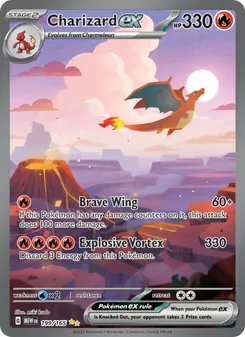
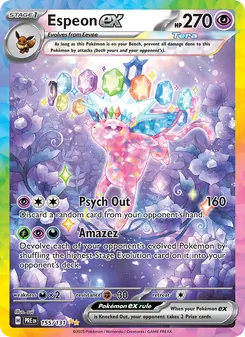
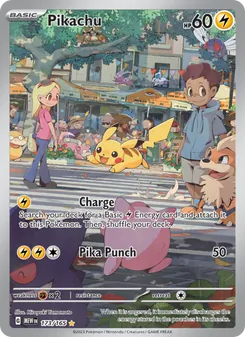
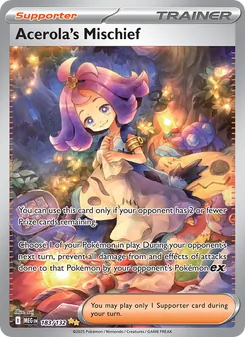
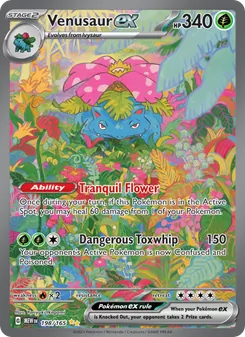
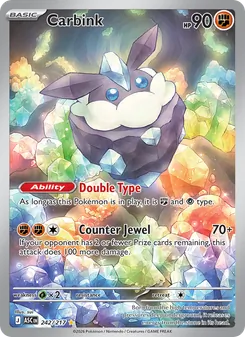
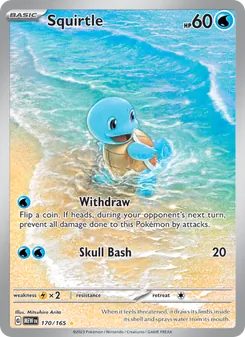
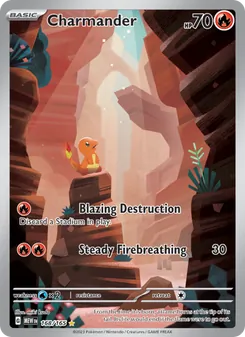
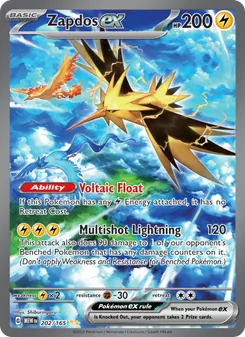
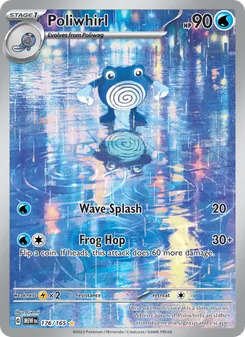
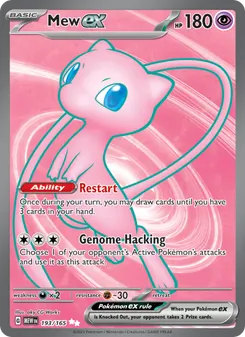
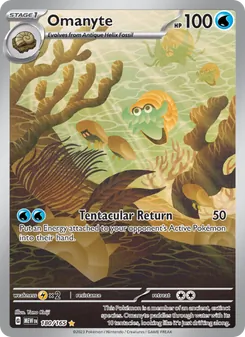
    Find cards by name, set or illustrator, then choose where they go on the page. Browse cards in English, French, Japanese and Chinese.

  2. Add your artwork

    Upload an image, choose which pockets it covers and adjust the crop. Leave spaces for the cards you want to highlight.

  3. Print and put it together

    Export an A4 or Letter PDF with artwork sized to your settings and cutting guides included. Only the artwork is printed. Add your real cards when you assemble the page.

For example, a 68 × 93 mm insert leaves a little room inside a 70 × 95 mm pocket. Check your pocket dimensions before printing.

Artwork in any shape you like

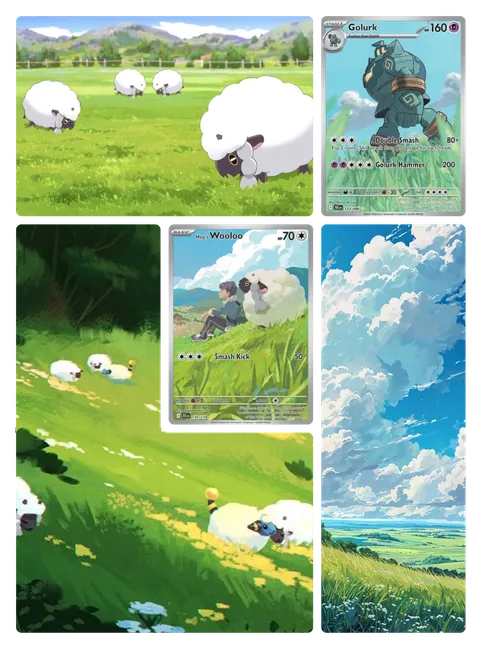
Artwork doesn’t have to be a rectangle. Select pockets that touch and merge them: the artwork takes their shape and wraps around your cards.

L shape: the hillside wraps around the middle card.

Tap a pocket to change the shape.

Find your cards and check Cardmarket prices

Look up a card, check its set and rarity, and add it to your pages. You can also show Cardmarket prices (trend, 30-day average, lowest listing) and a total for each page.

Browse the card catalogue

Build a themed binder, or a master set

Choose a Pokémon, an illustrator or a set as your theme. The cover takes its emblem and card search only shows its cards. For a master set, Michi Binder also lays out the theme’s cards in order, from the catalogue. Tick the cards you own to see which ones you still need.

Start my themed binder
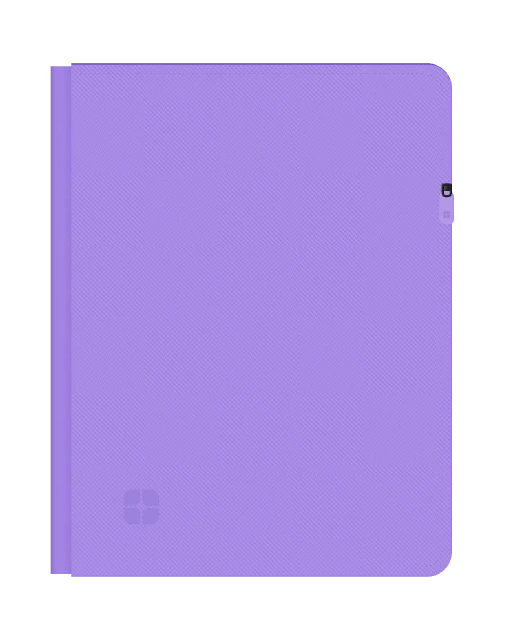
Closed Michi Binder in 3D

Pokémon

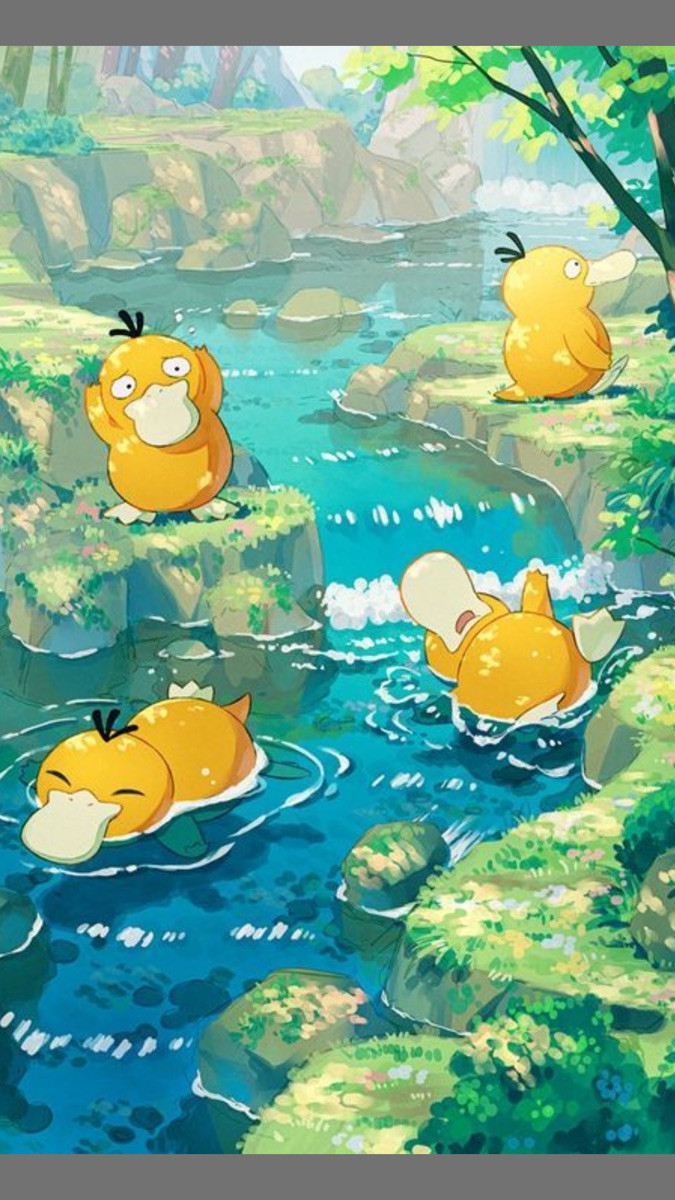
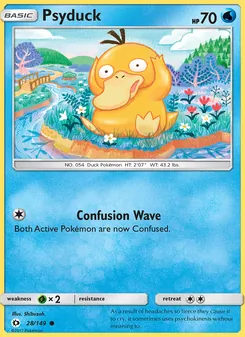
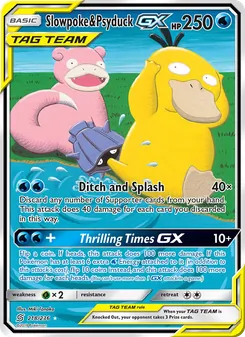
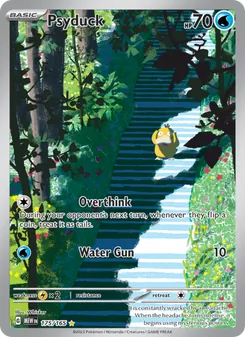
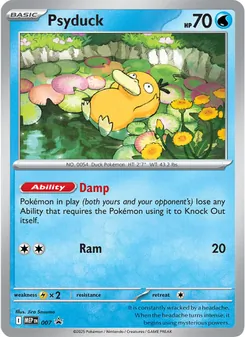
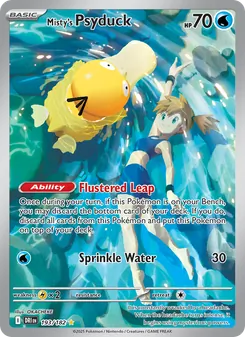
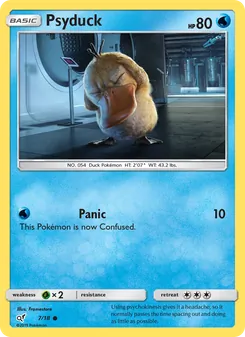
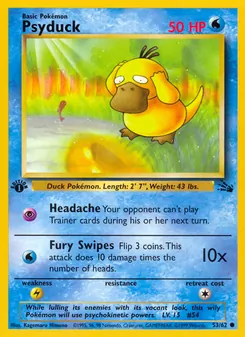
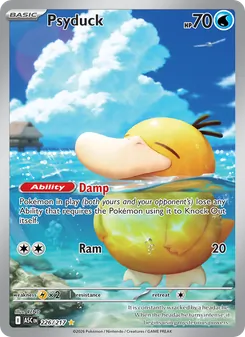
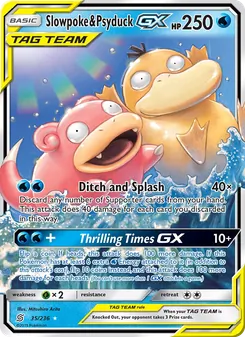
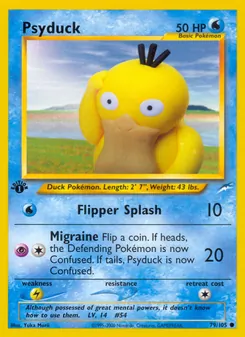
Psyduck, in every form.

Bring together cards of one or more Pokémon, across sets.

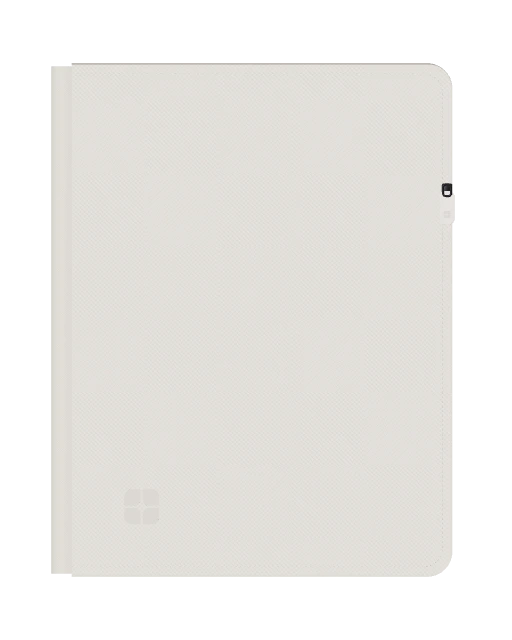
Closed Michi Binder in 3D

Illustrator

The art of sui, card by card.

Keep the cards by your favourite illustrator together in one binder.

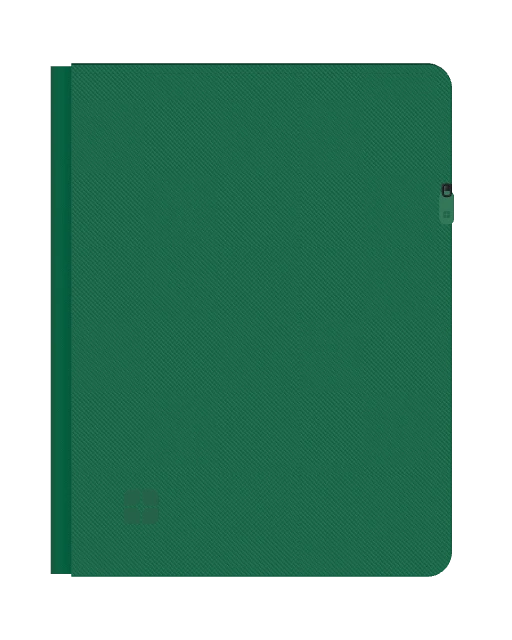
Closed Michi Binder in 3D

Set

151, down to the last card.

Prepare pages for your set and spot the cards you still need.

Tap a binder to flip through it in 3D.

Share your pages and binders

Send a link to a page or a whole binder. Anyone with the link can view it without an account, and show card prices if they like.

By the water

in The demo binder

Michi Binder

Post your page as an image

Pick a format (story, portrait, square, landscape), a background and a title, then download the image. Your page is never cropped.

FormatX, YouTube, Bluesky

BackgroundBlurred artwork

Elegant

Show the cards you’re missing

Tick the cards you own in a binder and Michi Binder turns it into a want list: the cards you still need, with their Cardmarket prices. Share it with a link that opens without an account and stays up to date.

  • No account needed The link opens the list on desktop or phone.
  • Always up to date Tick a card in your binder and the list follows.
  • Many hands With a “Can tick” link, a friend can tick off what they find for you.

151, checklist

8 / 12 owned

michibinder.com/l/…

Camille opens your list with a “Can tick” link.

ViewCan tick

Design together with Michi Pro

Coming soon

Invite up to five people to edit a binder with you. Move cards and adjust artwork together, with changes visible in real time. Invited editors can stay on the free plan.

One binder, two perspectives
CA

An example of editing together.

Free to create. Pro when your collection grows.

Designing, printing and sharing cost nothing. Michi Pro adds room, every layout and editing together.

Michi Free

€0

no credit card, no time limit

Everything you need to design, print and share.

  • 3 binders with 20 pages each
  • 2 × 2 and 3 × 3 layouts
  • Artwork in any shape: L, U or O
  • Print-ready PDF in A4 or Letter, sized to your pockets
  • Catalogue in four languages, with Cardmarket prices
  • Themed binders and master sets
  • Share with a link, or as an image for social media
  • Want lists you can tick off
  • 3D preview of your binder
  • 200 MB of images, up to 10 MB each
Create my binder

Michi ProComing soon

€3.99

per month, cancel anytime
Less than a booster pack.

Everything in Michi Free, with a lot more room.

  • 100 binders, 200 pages eachInstead of 3 binders with 20 pages.
  • Every layoutAny grid you choose, up to 8 × 8 pockets per page.
  • 5 guests per binderDesign together, live. They can stay on the free plan.
  • 20 GB of imagesA hundred times more room, and images up to 25 MB.

Also included30-day history for every page, so you can go backA3 printingCopy pages from one binder to anotherExport your inventory as CSV

Subscriptions opening soon.

Cancelling never deletes your work.

Michi Pro in detail

Frequently asked questions

Read the guide

What is the Michi Method?

The Michi Method combines your Pokémon cards with printed artwork that is cut into pieces and slipped into the pockets of a binder. Cards and artwork pieces form one design across the page. Michi Binder lets you plan this layout on screen before you print the artwork for your physical binder.

What can I do for free?

With a free account you can create up to three binders of twenty pages each, in 2 × 2 and 3 × 3 layouts. Arrange your cards, upload artwork, check Cardmarket prices, track the cards you own, export the PDF and share your pages. No credit card is needed to get started.

How do I print my artwork at the right size?

Set your pocket dimensions and the small margin to leave inside each pocket, then export the PDF. It lays the artwork out on A4 or Letter paper with cutting guides. Print at actual size and test one piece in your binder before printing all your pages, as pockets vary between brands.

Which binder layouts are supported?

The free plan includes 2 × 2 and 3 × 3 layouts. Other grids, including 3 × 4 and 4 × 4, as well as custom layouts, are part of Michi Pro. You can also adjust the pocket dimensions to match your binder, then check the fit with a test print before printing everything.

Does Michi Binder work on iPad and mobile?

Yes. Michi Binder runs in your browser, so there is nothing to install. The interface adapts to desktop, tablet and phone screens, and you can plan your pages and export your artwork as a PDF on any of them. Downloading and printing then use your browser or device controls.

Do I need to upload my own artwork?

Yes. Michi Binder does not provide artwork: you upload your own images in JPEG, PNG, WebP, AVIF or GIF, up to 10 MB each on the free plan and 25 MB with Pro. Cards come from the catalogue: they help you plan the page and are never printed.

Binder art turns a page into one composition. Extended art continues a card’s illustration beyond its frame. The guide shows examples you can adapt to your own pockets. See examples

Start with one page.

Pick your cards, add some artwork and watch your first page take shape.

Free, no credit card needed.

Make room for your collection.

100 binders, 200 pages per binder, every format, page history, A3 printing and up to 5 invited editors. Your creations stay yours.
Explore Michi Pro